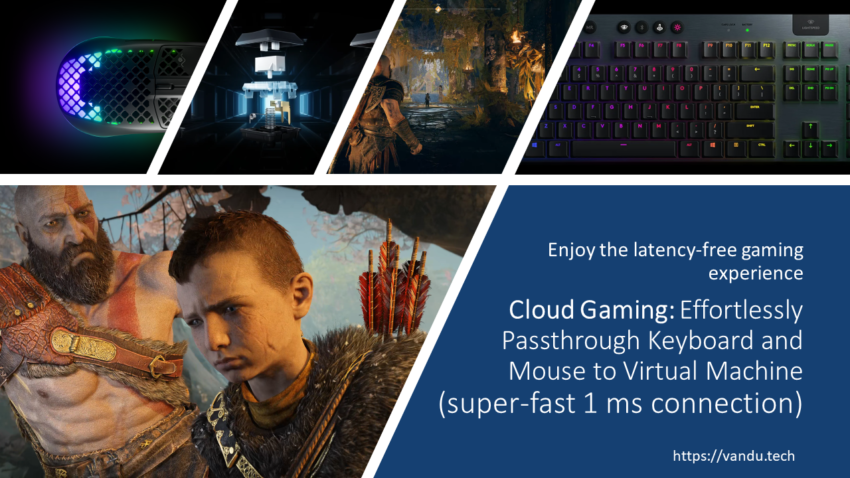
I have enjoyed gaming over VMware Horizon for a few months, and I had a minor issue with the keyboard and mouse. From time to time, during the most critical gaming times when I am fighting, I trigger the macOS keyboard and mouse shortcuts.
Here are just a few examples:
+ Resizing Horizon Client Window
+ Closing Horizon Client Window
+ Opening other macOS Applications
+ Changing Keyboard layout
+ and many others
While playing God Of War Ragnarök or Star Wars Jedi: Fallen Order, I often triggered those keyboard and mouse shortcuts.
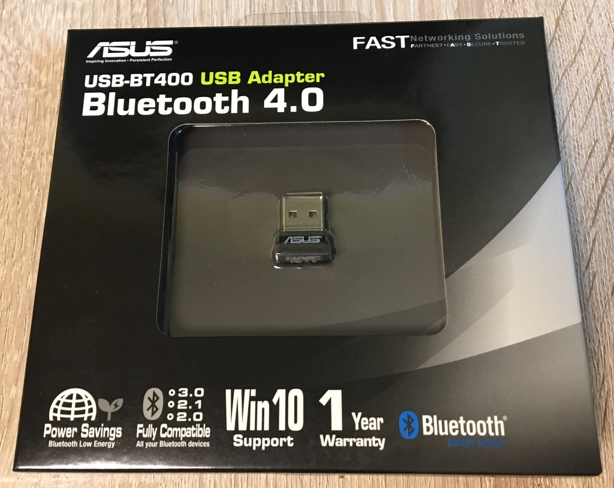
So, I bought an ASUS- BT400 Bluetooth USB Adapter and passed through via VMware Horizon client to Virtual Machine. My main computer is a Mac Mini M1. I searched the web for what Bluetooth Adapters work on macOS, and this ASUS- BT400 worked for most people. If you are an Apple user, your USB device must be recognized first by macOS, and then you can pass through to VM.
Then, I will pair inside Virtual Machine with my Bluetooth keyboard and mouse. I am using a Logitech G915 keyboard, which can connect to multiple devices.
Connect to LIGHTSPEED wireless for super-fast 1 ms connection or switch to another device with the push of a button using Bluetooth connectivity. Toggle between high-performance LIGHTSPEED wireless via USB receiver and Bluetooth quickly and easily.
Logitech
I am using a SteelSeries Aerox 3 Wireless (2022) Onyx mouse. It supports dual connectivity via gaming-grade 2.4 GHz and multi-purpose Bluetooth 5.0. However, I prefer smaller, lightweight mice with mesh on top.
How do the mouse and keyboard feel compared to Bluetooth and before without? The difference is night and day. I had no idea how bad my mouse experience was until I tried over Bluetooth adapter. And yes, I had some latency in games with the mouse, but it did not stop playing games and entertaining me. Now, I am relearning to play games with the fast mouse. The problem was the shortcuts I triggered, and it was impossible to disable them. I am sure the mouse and keyboard experience with Bluetooth adapter are the same as a bare-metal PC.
Conclusion: Yes, it is simple to pass through to VM and enjoys the same mouse and keyboard experience as you would on a bare-metal PC. It is a super-fast 1 ms connection. Remember, the host OS must support the device before you can pass through.