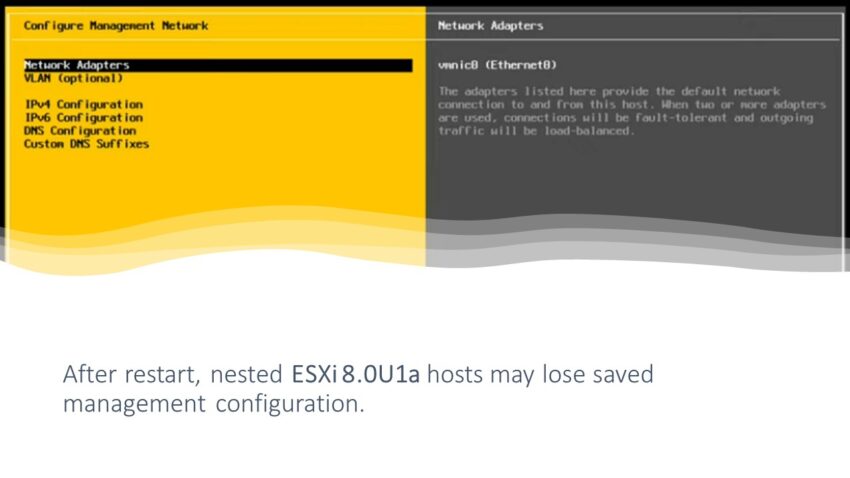
ESXi-8.0U1a-21813344-standard
I encountered a strange issue while setting up my nested ESXi lab. Specifically, when configuring the management IP of the ESXi host, I noticed that it was not being saved after a system restart.
Take a look at the video to get a better understanding of the problem.
Just to be sure, I am checking if the boot partition is correct and if it is the location where the configuration information should be saved.
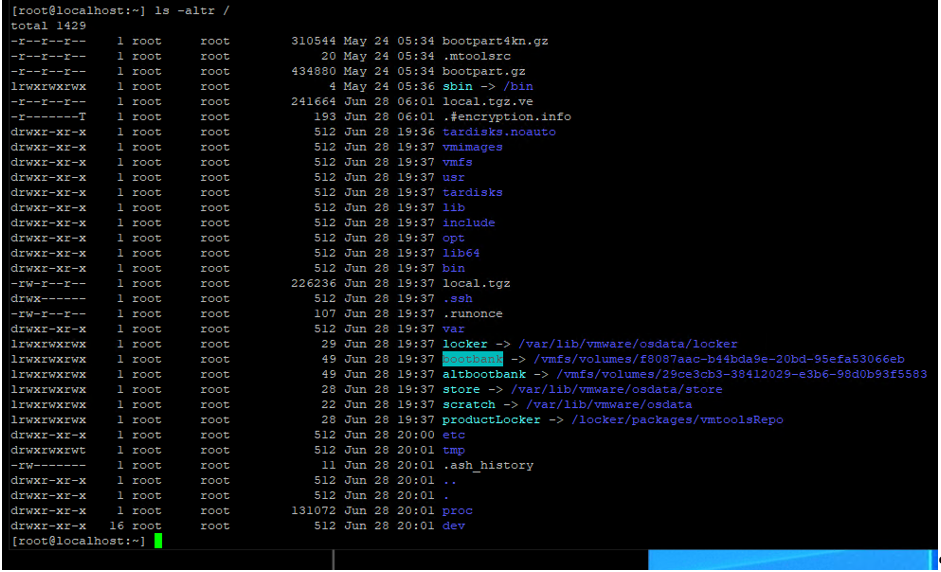
And everything appears to be correct.
After spending long hours troubleshooting and running out of ideas, I finally found the solution.
I have solved the problem. After configuring the management settings, please refrain from restarting the ESXi server immediately. There appears to be a slight delay when it comes to saving the configuration. I completed the management setup and waited for 1 hour, and the IP addresses were successfully saved. Restarting the server no longer erases the settings.
Fast solution for the problem: SSH into the ESXi and execute the “sync” command. Credits go to Luis Freixas. This was his idea to test the “sync” command.
Please take a look at the video to learn how to solve the problem.