When I built a TrueNAS storage device and started copying files over at 1GbE speed, I realized how slow it was. I started understanding what the 1GbE means and began looking for ways to increase the connection speed and consider other possible bottlenecks.
To get a maximum speed, you have to consider everything: What is your storage’s transfer speed? Is it SSD, NVMe, HDD, RAM? What about your CPU? How many lanes do your CPU and motherboard have? How many are already used? Is your CPU even able to handle the maximum bandwidth? When I was copying over files, I had USG-PRO, and I maxed out the CPU with even a very simple file copy to my NAS. It was an eye-opener for me. For example, you can install a faster NIC for some NAS, but it won’t make much difference because the CPU would be the bottleneck. Then I wondered how it would feel using vMotion between different hosts if I have a faster network than 1 GbE. What if I use VLANs? What is the speed then?
For me, the 100GbE has a very important role to play. I know many people think it is complete overkill for a home lab. Still, I feel it is an essential step for improving my skills and getting a better understanding. It is like riding a bicycle and testing different gears and actually feeling the speed differences. What would it take to optimize and max out 100GbE traffic on your network and vSphere? What would be the limits on vSphere? How would NSX, different NSX features, and 3rd party software limit the performance? Would you buy a car without taking it for a test drive?
For example, if I have a GPU on ESX-1 and want to give a passthrough to ESX-3 VM, it needs a fast network. How would that affect all the other VM traffic?
If I have a 100GbE switch and NICs, how much power does that require? How much heat would it produce compared with 1/10/25GbE? What do I have to do to keep switch components within specific ranges, and would it be quiet?
Those are just a few questions for which I would like to find answers to understand better how things work and affect each other.
As a quick example, could I increase a vMotion performance, and would it make any difference?
According to VMware, one stream has an average bandwidth utilization capacity of 15 GbE. The correlation between the physical NIC capability and the number of streams would give:
25GbE: 1 stream = 15 GbE
40GbE: 2 streams = 30 GbE
50GbE: 3 streams = 45 GbE
100GbE: 6 streams= 90 GbE
So, there is a lot of testing and playing around in my home lab.
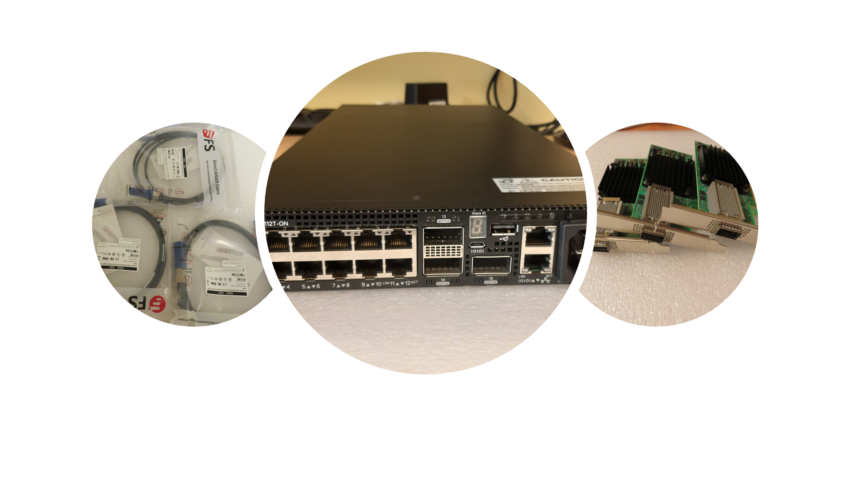
I have decided to do Phase 1 and Phase 2. Phase 1 is more like an introduction, setting up a physical infrastructure and making few quick speed tests. For Phase 2, I would write more in-depth about the 100GbE technology, configuration, all the performance tests/benchmarks I can think of, and even how to test the 100GbE network. What are all the possible bottlenecks, and so on?