Skip to content
Menu
vAndu
  • Home
  • Home Lab
  • AI/ML & vGPU
  • Snapshot
  • The Lab Floor
vAndu

Blank Virtual Hardware Tab in VM Edit Settings After Replacing Network Adapter

Posted on January 21, 2025January 21, 2025

In vCenters, when I replaced the vmxnet3 network adapter on the VM with a vmxnet adapter and clicked OK, I encountered an issue. After attempting to switch back to the vmxnet3 adapter, the VM’s ‘edit settings’ Virtual Hardware tab was blank, regardless of whether the VM was powered on or off.
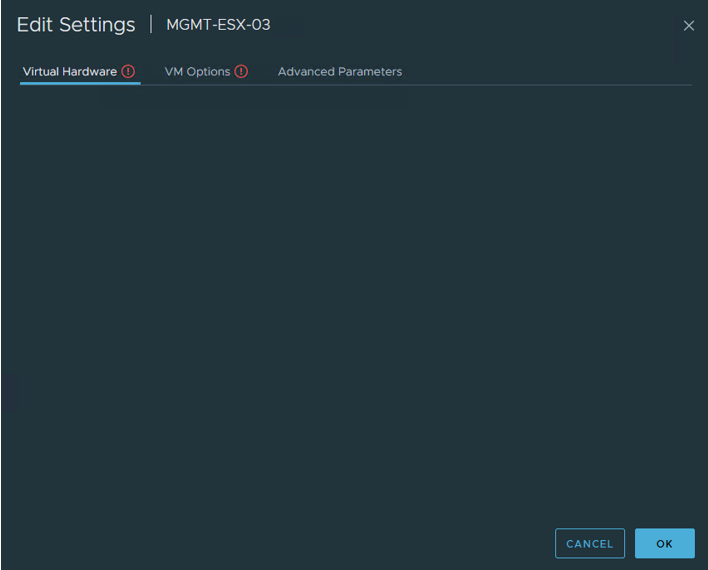
Solution: I logged into the ESXi host where the VM was located, opened the VM’s settings, and removed the vmxnet adapter. After removing it, the information reappeared under the Virtual Hardware tab, and I was immediately able to attach the correct vmxnet3 adapter.

Share this:

  • Share on Facebook (Opens in new window) Facebook
  • Share on X (Opens in new window) X

Like this:

Like Loading...

Home Labber who likes to build things and push it to the limits. vSphere is like Lego for adults.

“The fastest way to learn IT is 80% labbing and 20% studying theory. Just do it and have fun.” – vAndu

“If you wish to achieve worthwhile things in your personal and career life, you must become a worthwhile person in your own self-development” – Brian Tracy

VMware vExpert 2023
VMware vExpert NSX
VMware vExpert Pro
©2026 vAndu | Powered by SuperbThemes!
%d